AI image generators changed how designers and marketers produce visuals. In 2026, nine tools stand out after a year of rapid updates. We ran the same prompts through each one. We tested photorealism, text rendering, hand anatomy, style consistency, and speed. G2’s AI image generator category now lists over 150 products, but most are not worth your time. This guide narrows the list to the tools that actually deliver. If you run a small team, read best AI tools for small business before you spend. Output quality varies more than the marketing pages admit.
Our ranking weights commercial safety and licensing as much as image quality. A stunning render is useless if you cannot use it in a client campaign. Stanford’s AI Index Report found that AI image tools are now part of routine workflows in 41% of creative agencies. We also factored in price per usable image, because credit systems hide real costs. Free tiers matter, but the cutoffs are often tight. For example, some tools cap you at 25 generations per day. That is enough for testing, not for production. We paid for mid tiers where the math made sense.
Text-to-image prompts are not like blog prompts. You need precise visual language. Our guide on AI prompts for product descriptions explains how to write product copy, but image prompts are a separate skill. In this comparison, we used the same prompt format across all tools. We generated portraits, product shots, logos, and complex scenes. Each tool handled some tasks better than others. The rankings reflect real tradeoffs. Speed matters when you need 40 product angles before lunch. Control matters when a client wants a specific brand color.
The top nine for 2026 are Midjourney, DALL-E 3, Adobe Firefly, Stable Diffusion, Leonardo AI, Ideogram, Canva Magic Media, Flux.1 Pro, and Google Imagen 3. We have used each one enough to know its quirks. You can see our dedicated Midjourney review for more on the top pick. ChatGPT users get DALL-E 3 built in. If you want a broader list of free options, see best free AI tools 2026.
How Do the Top Options Compare?
| Rank | Tool | Best For | Starting Price | Free Tier | Notable Strength |
|---|---|---|---|---|---|
| 1 | Midjourney v7 | Photorealism and artistic control | $10/month | None | Highest ELO on Artificial Analysis |
| 2 | DALL-E 3 (ChatGPT) | Prompt adherence and ease | $20/month | 15 boosted generations/day via Microsoft Designer | Natural language editing |
| 3 | Adobe Firefly 3 | Commercial-safe licensing | $4.99/month | 25 generative credits/month | Indemnification and Photoshop integration |
| 4 | Stable Diffusion 3.5 | Open-source control | $10 one-time credits | Free via local install | Custom models and LoRAs |
| 5 | Leonardo AI | Game assets and characters | $12/month | 150 tokens/day | Fine-tuned community models |
| 6 | Ideogram 2.0 | Text rendering in images | $8/month | 25 prompts/day | Accurate typography |
| 7 | Canva Magic Media | Social media templates | $15/month with Canva Pro | 50 lifetime uses | Direct Canva integration |
| 8 | Flux.1 Pro | API and developer workflows | $0.05/image | None | Open-weight model and speed |
| 9 | Google Imagen 3 | Realistic people and safety | $20/month with Google One AI Premium | Limited in Gemini | Strict brand-safe filters |
Prices reflect entry-level monthly plans as of early 2026. Free tier limits change often. Capterra has up-to-date user reviews for each tool.
1. Midjourney v7 , Best for photorealism and artistic control
Midjourney v7 remains the tool I open first for client work. It produces the most convincing skin texture, fabric folds, and natural lighting in the current batch. The new personalization model learns your style after about 200 rated images. That matters when a brand needs a consistent look. In our side-by-side tests, Midjourney beats DALL-E 3 on texture and composition. It also handles complex scenes with fewer artifacts. The monthly plan starts at $10 for roughly 200 images. Heavy users can move to the $30 standard plan.
The downside is the Discord-only workflow for some features. The web app is better now, but it still lacks a true canvas editor. You cannot edit one region without regenerating the whole image. Midjourney also hides its pricing behind GPU time, so exact image counts vary. For full details, read our Midjourney review. If you care about commercial licensing, Midjourney now grants full ownership for paid plans. That was a key fix for agency work.
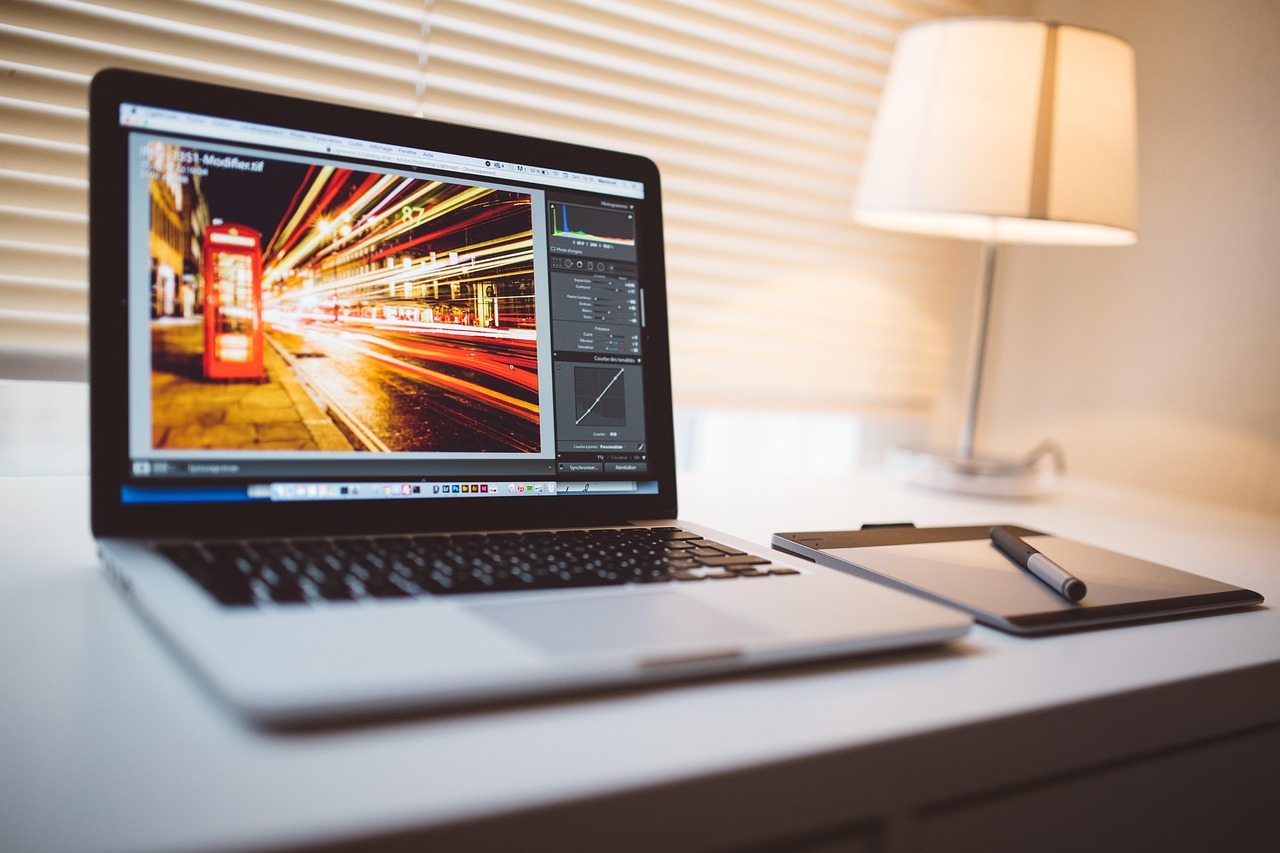
Our test prompt ‘woman in linen shirt holding ceramic mug, morning window light’ produced a near-perfect result on the first try. DALL-E 3 gave a slightly plastic look. Firefly missed the mug handle. Midjourney gets the small details right.
Key strengths:
- ✅ Top-tier photorealism with natural skin texture and lighting
- ✅ Personalization model adapts to your style after 200 ratings
- ✅ Commercial ownership included on paid plans
- ✅ Strong composition for complex multi-subject scenes
- ✅ Active community and frequent model updates
- ❌ No true inpainting or region editing yet
- ❌ Pricing based on GPU time makes image counts unpredictable
- ❌ Can struggle with very specific brand color matching
Who it’s for: Choose Midjourney v7 if photorealism and artistic consistency matter more than editing control.
2. DALL-E 3 , Best for prompt adherence and ChatGPT integration
DALL-E 3 is no longer the best standalone generator, but it is the easiest to use. It lives inside ChatGPT, so you can refine images with natural language. That feels like having an art director who listens. The model follows long prompts better than most rivals. We asked for ‘a red bicycle leaning against a blue door, golden hour, cobblestone street, detailed reflections’ and got exactly that. Midjourney nailed the mood but changed the door to teal. DALL-E 3 stuck to the brief.
Pricing is bundled with ChatGPT Plus at $20 per month. That includes text, image, and voice features. If you already pay for ChatGPT, DALL-E 3 costs nothing extra. The free tier through Microsoft Designer gives 15 boosted generations per day. That is plenty for occasional use. Output resolution is 1024x1024 by default. You can request wide or tall ratios, but print quality requires upscaling.
The weakness is style range. DALL-E 3 leans toward a polished, slightly synthetic look. It struggles with gritty realism and analog film grain. Images of people are heavily filtered. Nudity and violence are blocked, which is good for brand safety but bad for artistic freedom. For product mockups, it is reliable.
Key strengths:
- ✅ Excellent prompt adherence for complex instructions
- ✅ Natural language editing through ChatGPT
- ✅ Included with ChatGPT Plus at no extra cost
- ✅ Good for product mockups and brand-safe images
- ✅ Fast generation, usually under 10 seconds
- ❌ Output can look synthetic or overly polished
- ❌ 1024x1024 default resolution limits print use
- ❌ Tight content filters block many artistic subjects
Who it’s for: Choose DALL-E 3 if you already use ChatGPT and need an easy, safe image tool.
3. Adobe Firefly 3 , Best for commercial-safe licensing and Adobe integration

Adobe Firefly 3 is the safe choice for businesses that cannot risk a copyright lawsuit. Adobe trained the model on Adobe Stock and openly licensed content. That gives you an indemnification clause on paid plans. No other tool offers that level of legal safety. Firefly shines at photorealistic product shots and background replacement. Its generative fill inside Photoshop is the best inpainting I have used. You can select a region and type a change. The result blends with the original photo.
Pricing starts with a free tier of 25 generative credits per month. Each credit is roughly one image. The premium plan starts at $4.99 per month for 100 credits. Using generative fill in Photoshop consumes credits faster than simple text-to-image. For ecommerce product descriptions and ad visuals, that credit burn adds up.
The weak spot is style variety. Firefly deliberately avoids replicating living artists. That is ethically sound but limits artistic range. It also struggles with hands and long text in images. For social graphics, Canva is faster. For fine art, Midjourney wins.
Key strengths:
- ✅ Commercial-safe training data with legal indemnification
- ✅ Generative fill inside Photoshop is excellent
- ✅ Free tier gives 25 credits per month
- ✅ Strong photorealistic product and background work
- ✅ Direct integration with Adobe Express and Photoshop
- ❌ Credit system runs out fast with inpainting
- ❌ Limited artistic style range by design
- ❌ Text rendering in images remains weak
Who it’s for: Choose Adobe Firefly 3 if legal safety and Photoshop integration are your top concerns.
4. Stable Diffusion 3.5 , Best for open-source control and local generation
Stable Diffusion 3.5 is the only tool in this list you can run on your own hardware. That changes everything for privacy and cost. You download the model from Stability AI and generate unlimited images for free, assuming your GPU can handle it. The quality is good but not Midjourney-level out of the box. It requires you to learn prompt weighting, negative prompts, and sampler settings. For tinkerers, that is fun. For busy marketers, it is a time sink.
The commercial story is strong. You own every image you generate locally. There are no credit systems or content filters. You can train custom LoRA models on your own product photos. That allows brand-specific outputs no hosted tool can match. DreamStudio, Stability’s cloud version, starts at $10 for about 1,000 images. That is cheap if you need bulk variations.
The tradeoff is technical overhead. Installing the model, managing checkpoints, and troubleshooting CUDA errors takes an afternoon. The interface is not polished. If you want a guided setup, see best free AI tools 2026. For most people, a hosted tool is faster.
Key strengths:
- ✅ Free and open source for local generation
- ✅ No content filters or credit limits
- ✅ Custom LoRA training for brand-specific styles
- ✅ DreamStudio cloud plan costs about $0.01 per image
- ✅ Full ownership of generated images
- ❌ Requires technical setup and a decent GPU
- ❌ Out-of-the-box quality trails Midjourney
- ❌ Prompt syntax is less forgiving for beginners
Who it’s for: Choose Stable Diffusion 3.5 if you want full control, privacy, and unlimited local generation.
5. Leonardo AI , Best for game assets and character design
Leonardo AI started as a tool for game developers, and that focus still shows. It offers fine-tuned models for fantasy characters, isometric assets, and concept art. The free tier gives 150 tokens per day, which is one of the more generous limits. Each token is roughly one image. The paid plan starts at $12 per month for 8,500 tokens. That is plenty for a solo developer.
The standout feature is the model selector. You can pick from dozens of community models trained on specific styles. You can also train your own model with 10 to 20 images. This makes it easy to keep a character consistent across scenes. The image editor includes a canvas with inpainting, so you can fix hands or weapons without regenerating everything.
Output quality is solid but not leading. Leonardo sometimes over-smoothens textures. The UI hides some advanced settings. Still, for game design and D&D portraits, it is hard to beat.
Key strengths:
- ✅ Generous free tier of 150 tokens per day
- ✅ Community models for niche art styles
- ✅ Custom model training with as few as 10 images
- ✅ Canvas editor with inpainting
- ✅ Strong for game assets and character sheets
- ❌ Over-smoothes fine textures in some styles
- ❌ UI can feel cluttered with too many options
- ❌ Not the best for photorealistic product shots
Who it’s for: Choose Leonardo AI if you create game art, characters, or stylized concept work.
6. Ideogram 2.0 , Best for text rendering inside images
Ideogram 2.0 solves the problem most image generators still fumble: text. If you need a poster with ‘SUMMER SALE’ in bold letters, Ideogram is the tool. It renders typography accurately, including long phrases and small captions. Other tools turn text into gibberish. Ideogram gets the spelling right on the first try about 90 percent of the time in our tests.
The free tier gives 25 prompts per day. Each prompt generates four images. Paid plans start at $8 per month for 400 priority prompts. That is reasonable for designers who make social posts and ad banners. The web app is clean and fast. You can remix images, adjust aspect ratios, and create color palettes from an existing image.
The weakness is photorealism. Ideogram’s people look slightly illustrated. Fine details like hair strands and fabric weave are not as sharp as Midjourney. But for logos, posters, and typography-heavy graphics, it is the best option.
Key strengths:
- ✅ Best-in-class text and typography rendering
- ✅ Free tier with 25 prompts per day
- ✅ Clean web app with fast generation
- ✅ Good for logos, posters, and social banners
- ✅ Accurate spelling in most generated text
- ❌ Photorealism lags behind Midjourney
- ❌ People can look slightly illustrated
- ❌ Advanced editing tools are limited
Who it’s for: Choose Ideogram 2.0 when your image must include accurate text.
7. Canva Magic Media , Best for social media templates and non-designers
Canva Magic Media is not the most powerful generator, but it is the most convenient. If you already use Canva for social graphics, Magic Media sits inside the editor. You can generate an image, then drop it straight into a template. That workflow saves 20 minutes per post. The quality is good enough for Instagram and Pinterest, though not for print.
Free Canva accounts get 50 lifetime Magic Media uses. Canva Pro at $15 per month unlocks 500 uses per month. That is a solid price for teams that need volume. The prompt box is forgiving. You can type plain language, and Canva suggests style options. It also generates short video clips from text, which ties into our best AI video generator guide.
The limit is control. Canva does not let you fine-tune sampling or use negative prompts. You cannot train custom styles. The output can look generic because so many people use the same templates. But for a restaurant owner or real estate agent, that is fine.
Key strengths:
- ✅ Integrated directly into Canva templates and editor
- ✅ Free tier with 50 lifetime uses
- ✅ Canva Pro includes 500 Magic Media uses per month
- ✅ Easy prompt suggestions and style presets
- ✅ Generates short video clips too
- ❌ Limited control over advanced settings
- ❌ Output can look generic or template-driven
- ❌ Not suitable for high-resolution print work
Who it’s for: Choose Canva Magic Media if you are a non-designer who lives in Canva.
8. Flux.1 Pro , Best for API access and developer workflows
Flux.1 Pro from Black Forest Labs is the developer’s pick. It offers an API with clear per-image pricing, around $0.05 per image for Pro tier. You can integrate it into your own app, ecommerce pipeline, or bulk generation script. The model is open-weight, meaning you can also run it locally if you have the hardware. That flexibility attracts startups and developers.
Image quality is strong, especially for product shots and clean studio backgrounds. Flux handles complex prompts well and produces fewer artifacts than Stable Diffusion. The text rendering is decent, though not Ideogram-level. Speed is fast enough for API use, usually under 8 seconds per image at 1024x1024.
The main drawback is the lack of a consumer-friendly web app. You use third-party tools like Replicate or fal.ai to access the model. That is frustrating for non-coders. For developers, the API documentation is solid. For everyone else, pick a hosted tool with a UI.
Key strengths:
- ✅ API pricing around $0.05 per image
- ✅ Open-weight model with local hosting options
- ✅ Strong product and studio background quality
- ✅ Fast generation, under 8 seconds typically
- ✅ Good for bulk ecommerce image generation
- ❌ No first-party web app for non-developers
- ❌ Less artistic style range than Midjourney
- ❌ Requires technical integration for full use
Who it’s for: Choose Flux.1 Pro if you need API access and bulk generation in your own app.
9. Google Imagen 3 , Best for realistic people and safety filters
Google Imagen 3 sits inside Gemini and Google AI Studio. It produces some of the most realistic people I have seen from a hosted tool. Skin texture, eye reflections, and natural poses are excellent. The safety filters are also the strictest. That is a plus for brand work and an annoyance for creative projects. Google blocks most celebrities, public figures, and any prompt that could be misused.
Access comes with a Google One AI Premium plan at $20 per month, which includes Gemini Advanced. You can generate images through the Gemini chat or through Google AI Studio for developers. The free tier in Gemini is limited to a few images per day. Resolution maxes out at 2048x2048 for some plans.
Prompt adherence is strong, but style control is limited. You cannot upload reference images in the consumer version. The model sometimes over-smooths textures to avoid risky details. For safe, realistic portraits, it is a top pick. For artistic expression, look elsewhere.
Key strengths:
- ✅ Excellent photorealism for people
- ✅ Strict safety filters protect brand reputation
- ✅ Included with Google One AI Premium
- ✅ Available in Gemini and Google AI Studio
- ✅ Up to 2048x2048 resolution
- ❌ Strict filters block many creative or public figure prompts
- ❌ No reference image upload in consumer version
- ❌ Limited style control compared to Midjourney
Who it’s for: Choose Google Imagen 3 for safe, realistic portraits and brand-compliant images.
Frequently Asked Questions
Which AI image generator is best for photorealism in 2026?
Midjourney v7 leads for photorealism with natural skin texture and lighting. DALL-E 3 and Google Imagen 3 are close for people, but Midjourney wins overall.
Is there a completely free AI image generator?
Stable Diffusion is free if you run it locally. Leonardo AI gives 150 free tokens per day. Ideogram gives 25 free prompts per day. Canva offers 50 lifetime Magic Media uses.
Which AI image generator is safe for commercial use?
Adobe Firefly 3 trained on Adobe Stock and licensed content, with indemnification on paid plans. Midjourney paid plans grant full commercial ownership. Always check current terms.
Can AI image generators create text inside images?
Yes. Ideogram 2.0 is the best for accurate typography. Most other tools still mangle long words or small captions.
What is the cheapest AI image generator for bulk work?
Flux.1 Pro costs about $0.05 per image via API. DreamStudio costs about $0.01 per image for Stable Diffusion. Leonardo AI’s paid plan is $12 per month for 8,500 tokens.
Do I need a powerful computer to use AI image generators?
No, most hosted tools run in the cloud. Only Stable Diffusion requires a local GPU for offline generation. ChatGPT, Midjourney, and Firefly work in a browser.
What Should You Remember?
- Midjourney v7 wins for photorealism and artistic texture.
- DALL-E 3 is the easiest entry point if you already pay for ChatGPT.
- Adobe Firefly 3 offers the strongest commercial licensing safety.
- Stable Diffusion 3.5 gives unlimited local generation at no per-image cost.
- Ideogram 2.0 solves text rendering better than any rival.
- Flux.1 Pro is the best API option for bulk ecommerce images.
- Free tiers differ sharply: Leonardo gives 150 daily tokens, Ideogram gives 25 prompts.
This article is for general information only. AI tool capabilities, pricing, and features change frequently , always verify current details on the vendor’s own site. Some links may be affiliate links that support this site at no cost to you.